Page Speed vs Conversions: How Every Extra Second Costs You Money
Let me draw a quick picture. Someone clicks on your Google ad or finds your site through search. They’re interested — maybe ready to buy, book a service, or fill out a form.
But the page takes forever to load. Images appear one by one. Buttons feel unresponsive. The layout suddenly jumps around.
Most people hit the back button within three seconds and never return. They simply go to a faster competitor.
This isn’t rare. In 2026, slow websites are quietly killing conversions for many businesses. Users have less patience than ever, especially on mobile. Google also pays close attention to real-user experience. Every extra second of delay can cost you sales, leads, and trust.
I’ve seen this happen many times while helping site owners. The good news? Fixing speed issues doesn’t always need a full redesign. Small, smart changes often deliver real improvements in revenue and customer experience.
This guide breaks it all down simply: why speed matters now, what the latest data shows, how to check your own site, and the practical fixes that actually work.
The Real Cost of a Slow Website
A one-second delay in page load time can reduce conversions by about 7%.
For many online stores and service sites, that adds up quickly. Amazon once calculated that every extra 100 milliseconds (just one-tenth of a second) cost them roughly 1% in sales. Tiny delays become expensive when multiplied across thousands of visitors.
Recent 2025–2026 reports continue to show strong links between speed and results:
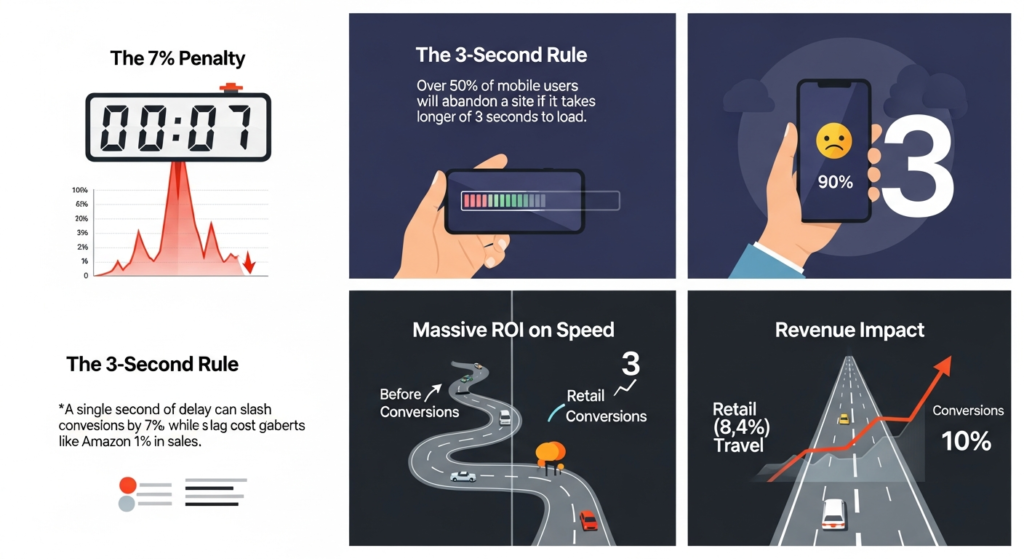
- Sites loading in 1 second often see conversion rates 2.5x to 5x higher than those taking 5–10 seconds.
- On mobile, a one-second improvement can boost conversions by nearly 6% in retail.
- Even a 0.1-second speedup has increased retail conversions by 8.4% and travel bookings by over 10%.
- When pages take longer than 3 seconds, more than half of mobile visitors leave.
If your site makes $100,000 per month, that extra second of delay could mean losing several thousand dollars every month.
Slow pages hurt more than first-time sales. They also damage repeat business and brand trust. Frustrated visitors are far less likely to return or recommend you.
The pages that suffer most are the important ones: product details, checkout, pricing tables, and lead forms. These are exactly where visitors are closest to taking action.
What Page Load Time Really Means in 2026
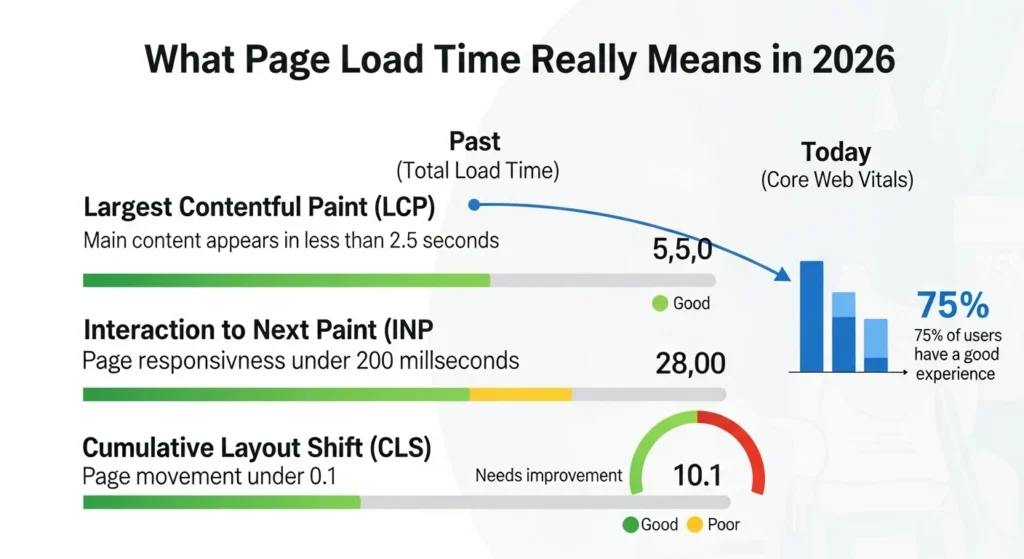
In the past, people only talked about total load time. Today, Google focuses on how the page actually feels to real users through Core Web Vitals.
Here are the three key metrics that matter most:
- Largest Contentful Paint (LCP): Measures how quickly the main content (hero image, headline, or key section) appears. Aim for under 2.5 seconds.
- Interaction to Next Paint (INP): Shows how responsive the page feels when someone clicks, taps, or types. Target is under 200 milliseconds.
- Cumulative Layout Shift (CLS): Tracks how much the page unexpectedly moves while loading. Keep this under 0.1 to avoid frustrating jumps.
Google evaluates these using the 75th percentile of real visitor data. That means 75% of your actual users should have a good experience for the page to pass.
Right now, only about half of websites meet good scores across all three metrics on both mobile and desktop. If yours falls short, you’re likely losing visitors and search visibility without realizing it.
These metrics aren’t just technical numbers. They show whether your site respects people’s time. Fast and stable pages build instant trust. Slow or jumpy ones make visitors doubt your business.
Why People Abandon Slow Websites

Think about your own browsing habits. When a page loads slowly, you feel annoyed. Your brain starts wondering if the site is broken, outdated, or unsafe.
On mobile, the frustration is even stronger because connections vary and distractions are everywhere.
Studies show bounce rates climb sharply with every extra second of delay. People don’t just leave — they form a negative opinion of your brand. Many will choose a faster competitor next time or share their bad experience with others.
The opposite is also true. When a site loads quickly and feels smooth, visitors stay longer, explore more pages, and feel comfortable converting. It creates a sense of professionalism and respect for their time.
Mobile traffic makes speed even more critical. Over half of all web visits now come from phones, and many users are on slower or unstable connections.
How to Check Your Site’s Speed (Start Here)
Don’t guess at your problems. Measure first.
Follow these simple steps:
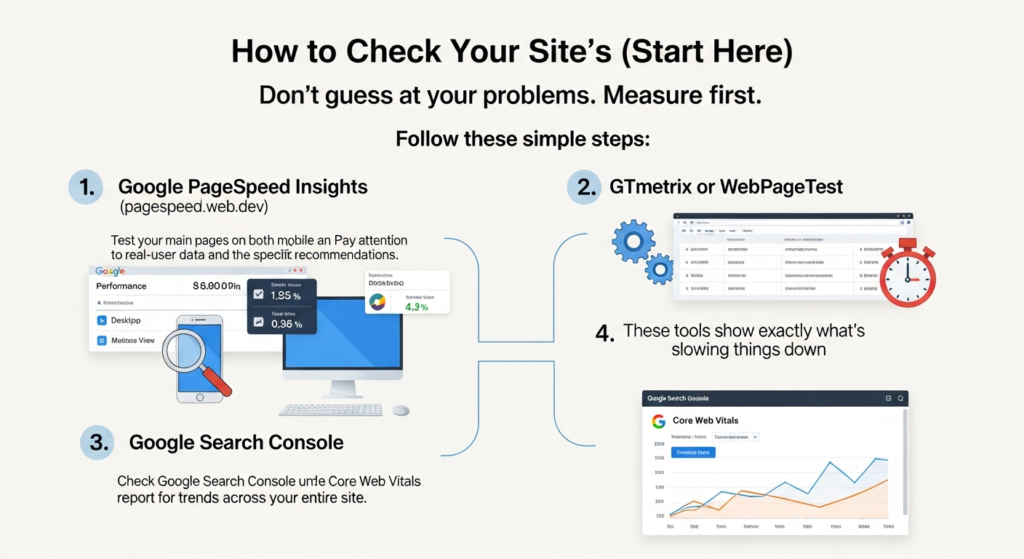
- Go to Google PageSpeed Insights (pagespeed.web.dev). Test your main pages on both mobile and desktop. Pay attention to real-user data and the specific recommendations.
- Use GTmetrix or WebPageTest to see a detailed breakdown. These tools show exactly what’s slowing things down.
- Check Google Search Console under the Core Web Vitals report for trends across your entire site.
Common issues you’ll likely discover:
- Images that are too large or not in modern formats
- JavaScript and CSS that block the page from loading quickly
- Slow server response times from your hosting
- Too many third-party tools (chat widgets, ads, analytics) adding extra weight
Set clear targets: Aim for a PageSpeed score in the 90s if possible, with good Core Web Vitals numbers. Start by testing your highest-traffic and highest-converting pages first.
Practical Ways to Speed Up Your Website in 2026
You don’t need to be a coding expert to improve speed. Here’s a practical order to follow.
Quick Wins You Can Do Soon
- Optimize images: Switch to WebP or AVIF formats, use proper sizes for different devices, and enable lazy loading.
- Turn on browser caching so returning visitors load pages faster.
- Minify CSS, JavaScript, and HTML to remove unnecessary code.
- Delay non-essential scripts so the main content appears first.
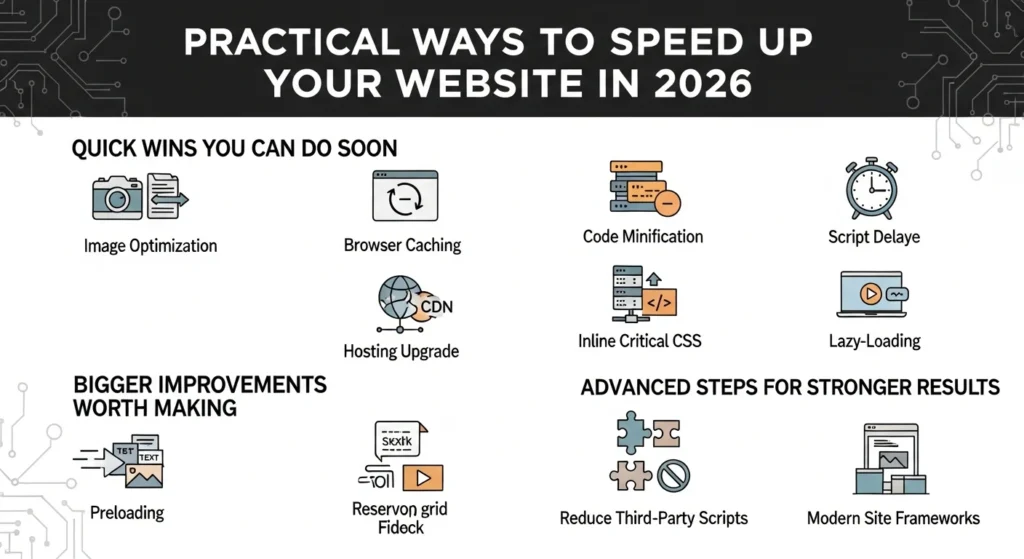
Bigger Improvements Worth Making
- Add a reliable Content Delivery Network (CDN) like Cloudflare to serve files from servers closer to your visitors.
- Upgrade your hosting if it’s slow. Look for better server response times.
- Inline critical CSS for the top of the page and load the rest later.
- Lazy-load videos and anything below the fold.
Advanced Steps for Stronger Results
- Preload important fonts and key images so they appear faster.
- Reserve space for ads and dynamic content to prevent layout shifts.
- Review and reduce heavy third-party scripts.
- Consider modern site frameworks if you’re rebuilding or switching platforms.
Focus most effort on the pages that actually make you money — checkout, product pages, and lead forms usually give the fastest return.
Real Examples of Speed Improvements That Worked
Many businesses have seen clear results after improving speed:
- One retailer reduced mobile load time from over 5 seconds to about 2.2 seconds. They used better image optimization, lazy loading, and smarter JavaScript handling. Bounce rates dropped and engagement improved.
- Vodafone made noticeable improvements to Largest Contentful Paint and saw 8–15% lifts in leads, cart activity, and sales.
- Other e-commerce sites reported 15–30% better conversion rates after reaching good Core Web Vitals scores.
These wins came from measuring problems carefully and fixing them step by step. When speed improves along with good design and strong offers, the results can be even better.
Common Mistakes to Avoid
Here are a few traps that waste time and effort:
- Treating speed as a one-time project instead of something you check regularly. New features and images can quietly slow things down again.
- Installing too many performance plugins that end up adding more bloat.
- Only testing on fast desktop connections instead of real mobile devices and networks.
- Chasing a perfect score while hurting usability or design.
Make speed part of your routine. Check metrics monthly, set up alerts in Search Console, and review new additions before publishing them.
What Real Success Looks Like
After making improvements, track these important numbers:
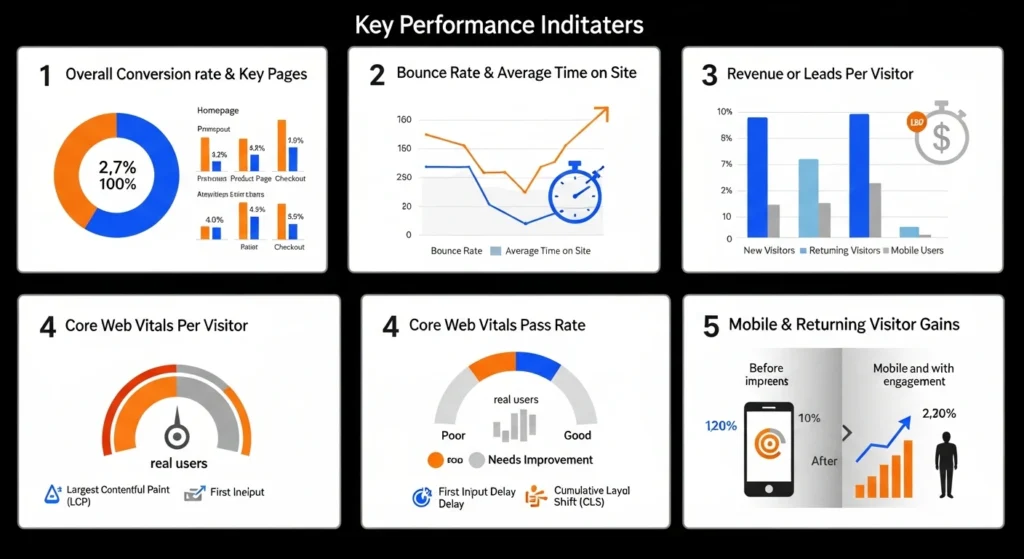
- Overall conversion rate and rates on key pages
- Bounce rate and average time on site
- Revenue or leads per visitor
- Core Web Vitals pass rate for real users
Many businesses notice the biggest gains on mobile and with returning visitors. Small consistent improvements add up over time.
Final Thoughts: Speed Shows You Respect Your Visitors
In 2026, a slow website isn’t just annoying — it’s expensive. It tells visitors you don’t value their time.
The encouraging part is that most speed problems are fixable. Start by measuring your current performance today. Pick one or two quick improvements this week and watch what happens to your traffic and conversions over the next month.
Your website should feel helpful and effortless, not like an obstacle. When it loads fast and smoothly, your great content, offers, and marketing all work better.
Run a PageSpeed Insights test on your most important pages right now. The few minutes you spend today could save you a lot of lost sales tomorrow.

Saad Khalid is the founder of Convert Do. His mission is to provide Clean, Fast and Straightforward tool for Developers, Designers and everyday Users. So you can convert your file within a second without any delay. He regularly writes about digital tools to help users meet their needs